
4smartphones.com
  • Home
  • Reviews
    Xiaomi 17 Pro and Pro Max

    Xiaomi 17 Pro Max Review: Rear Screen, Cameras, Price

    OPPO revealed first rollable Android phone

    OPPO revealed first rollable Android phone

    All the things you should know about iPhone 12 & iPhone 12 Pro

    All the things you should know about iPhone 12 & iPhone 12 Pro

    LG Wing

    LG “Wing” – smartphone with rotatable display

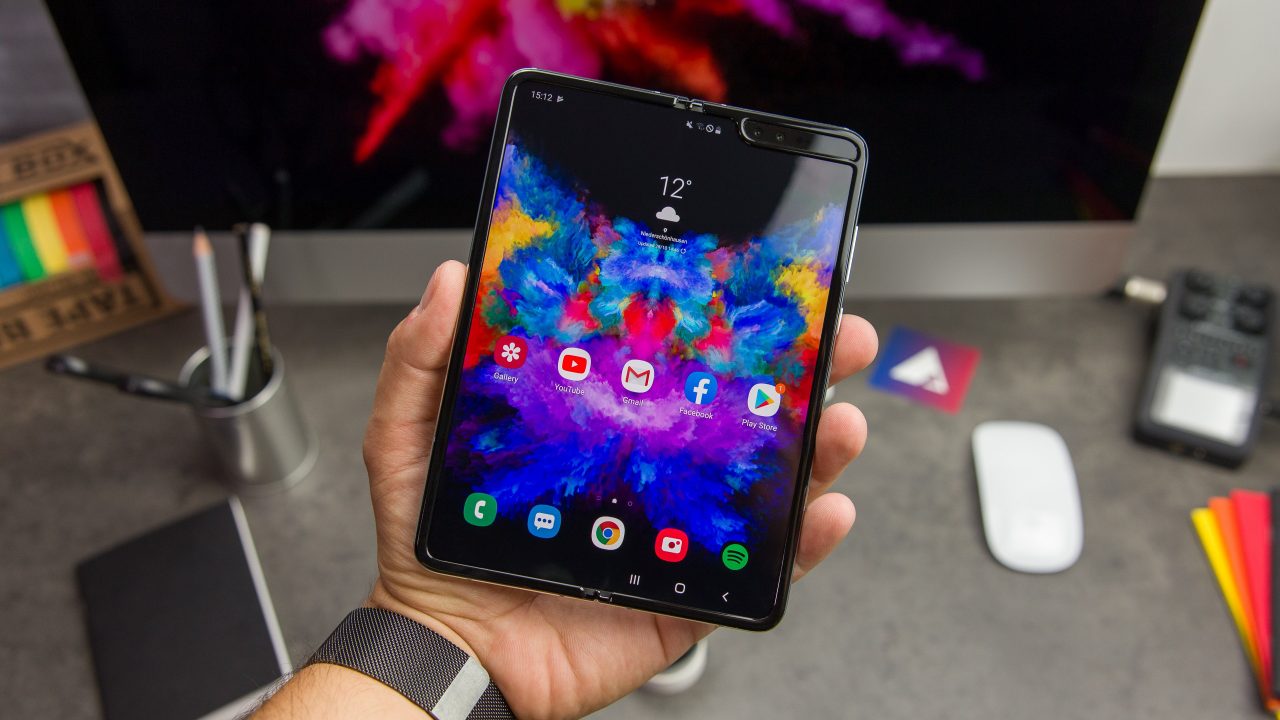
    2019: First foldable smartphones

    2019: First foldable smartphones

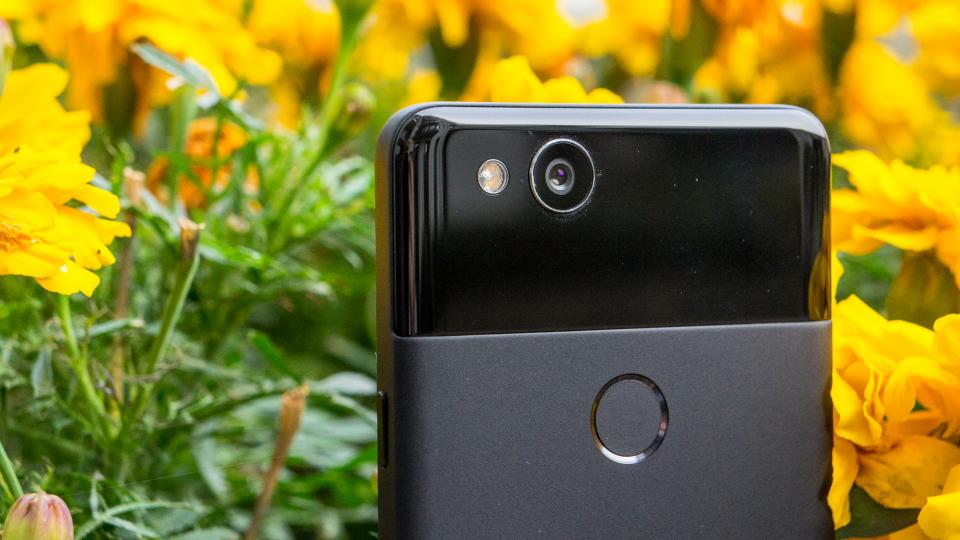
    2018: Google makes artificial intelligence available on smartphone

    2018: Google makes artificial intelligence available on smartphone

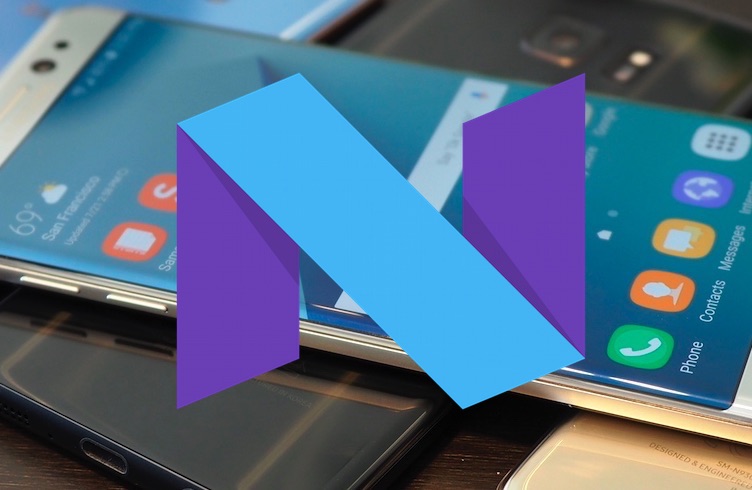
    2017: More than 2 billion active Android devices per month

    2017: More than 2 billion active Android devices per month

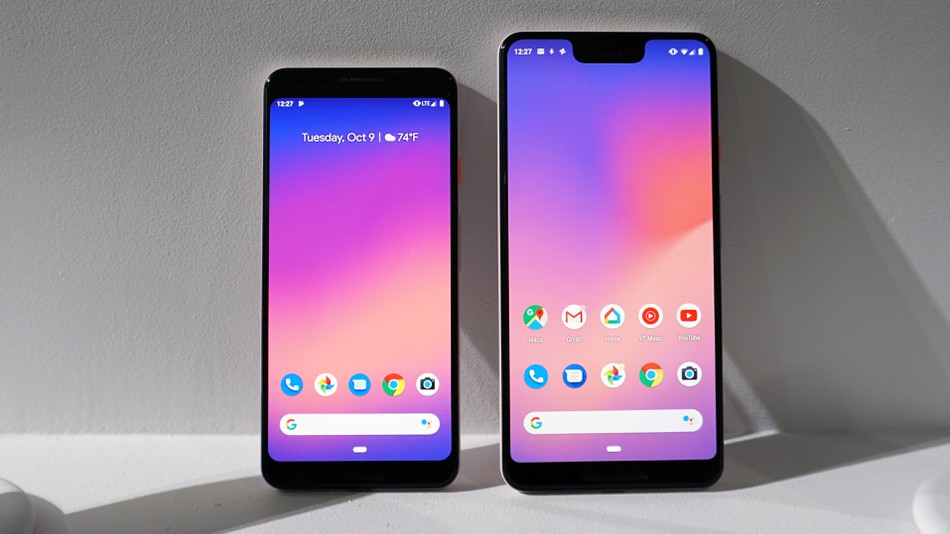
    2016: Google’s first Pixel phone and the exploding Galaxy Note 7

    2016: Google’s first Pixel phone and the exploding Galaxy Note 7

  • Tutorials
    • Samsung
      • Galaxy S3 I9300
      • Galaxy S4 I9500
      • Galaxy S4 I9505
      • Galaxy S5 SM-G900
      • Gear S
      • Galaxy Alpha SM-G850
      • Galaxy A3 A300
      • Galaxy A5 A500
      • Galaxy A7 A700
      • Galaxy Note 3 Neo N7505
      • Galaxy Note 3 N9005
      • Galaxy Note 5 SM-N920
      • Galaxy Note 7 N930
      • Galaxy Tab A 9.7
      • Galaxy S6 SM-G920F
      • Galaxy S6 Edge SM-G925F
      • Galaxy J5 J500
      • Galaxy J7 J700
      • Galaxy S7 SM-G930
      • Galaxy S7 Edge SM-G935
    • Meizu
      • PRO 5
    • Nexus
      • Nexus 5
      • Nexus 5X
      • Nexus 6
      • Nexus 6P
    • Huawei
      • P8
      • P8 Lite
      • P9 Lite
    • Xiaomi
      • Mi5
      • Mi5 Plus
    • iPhone
      • iPhone 4S
      • iPhone SE
      • iPhone 5
      • iPhone 5C
      • iPhone 5S
      • iPhone 6
      • iPhone 6 Plus
      • iPhone 6S
      • iPhone 6S Plus
      • iPad Mini 1
      • iPad Mini 2
      • iPad 4
    • OnePlus
      • OnePlus 3
    • Sony
      • Xperia E4/E4G
      • Xperia Z3
      • Xperia Z4 Tablet
      • Xperia Z5
    • LG
      • LG G3
      • LG G4
      • LG G5
    • Letv
      • 1s
      • Le 2
      • Le 2 Pro
    • HTC
      • One M8
      • One M9
      • 10
    • Uhans
      • U100
    • BlackBerry 10
  • Apps
    • Communication
    • Education
    • Finance
    • GPS
    • Photo & Video
    • Music & Audio
    • Personalization
    • Sports
    • Tools
    • Weather
  • Games
    • Action
    • Adventure
    • Arcade
    • Casino
    • Horror
    • Puzzle
    • Racing
    • RPG
    • Shooter
    • Simulation
    • Sports
  • Android OS
  • iOS
    • 7
    • 8
    • 9
    • 10
  • Ubuntu OS
No Result
View All Result
Subscribe
  • Home
  • Reviews
    Xiaomi 17 Pro and Pro Max

    Xiaomi 17 Pro Max Review: Rear Screen, Cameras, Price

    OPPO revealed first rollable Android phone

    OPPO revealed first rollable Android phone

    All the things you should know about iPhone 12 & iPhone 12 Pro

    All the things you should know about iPhone 12 & iPhone 12 Pro

    LG Wing

    LG “Wing” – smartphone with rotatable display

    2019: First foldable smartphones

    2019: First foldable smartphones

    2018: Google makes artificial intelligence available on smartphone

    2018: Google makes artificial intelligence available on smartphone

    2017: More than 2 billion active Android devices per month

    2017: More than 2 billion active Android devices per month

    2016: Google’s first Pixel phone and the exploding Galaxy Note 7

    2016: Google’s first Pixel phone and the exploding Galaxy Note 7

  • Tutorials
    • Samsung
      • Galaxy S3 I9300
      • Galaxy S4 I9500
      • Galaxy S4 I9505
      • Galaxy S5 SM-G900
      • Gear S
      • Galaxy Alpha SM-G850
      • Galaxy A3 A300
      • Galaxy A5 A500
      • Galaxy A7 A700
      • Galaxy Note 3 Neo N7505
      • Galaxy Note 3 N9005
      • Galaxy Note 5 SM-N920
      • Galaxy Note 7 N930
      • Galaxy Tab A 9.7
      • Galaxy S6 SM-G920F
      • Galaxy S6 Edge SM-G925F
      • Galaxy J5 J500
      • Galaxy J7 J700
      • Galaxy S7 SM-G930
      • Galaxy S7 Edge SM-G935
    • Meizu
      • PRO 5
    • Nexus
      • Nexus 5
      • Nexus 5X
      • Nexus 6
      • Nexus 6P
    • Huawei
      • P8
      • P8 Lite
      • P9 Lite
    • Xiaomi
      • Mi5
      • Mi5 Plus
    • iPhone
      • iPhone 4S
      • iPhone SE
      • iPhone 5
      • iPhone 5C
      • iPhone 5S
      • iPhone 6
      • iPhone 6 Plus
      • iPhone 6S
      • iPhone 6S Plus
      • iPad Mini 1
      • iPad Mini 2
      • iPad 4
    • OnePlus
      • OnePlus 3
    • Sony
      • Xperia E4/E4G
      • Xperia Z3
      • Xperia Z4 Tablet
      • Xperia Z5
    • LG
      • LG G3
      • LG G4
      • LG G5
    • Letv
      • 1s
      • Le 2
      • Le 2 Pro
    • HTC
      • One M8
      • One M9
      • 10
    • Uhans
      • U100
    • BlackBerry 10
  • Apps
    • Communication
    • Education
    • Finance
    • GPS
    • Photo & Video
    • Music & Audio
    • Personalization
    • Sports
    • Tools
    • Weather
  • Games
    • Action
    • Adventure
    • Arcade
    • Casino
    • Horror
    • Puzzle
    • Racing
    • RPG
    • Shooter
    • Simulation
    • Sports
  • Android OS
  • iOS
    • 7
    • 8
    • 9
    • 10
  • Ubuntu OS
No Result
View All Result
4smartphones.com
Home iPhone iOS 9

Fix “Unable to Download App” error on iOS 9 – 9.3.1

in 9, iOS, iPhone, iPhone 5, iPhone 5C, iPhone 5S, iPhone 6, iPhone 6 Plus, iPhone 6S, iPhone 6S Plus, iPhone SE
Reading Time: 1 min read
0
2
Fix “Unable to Download App” error on iOS 9 – 9.3.1
19
VIEWS
Share on FacebookShare on XShare on Linkedin

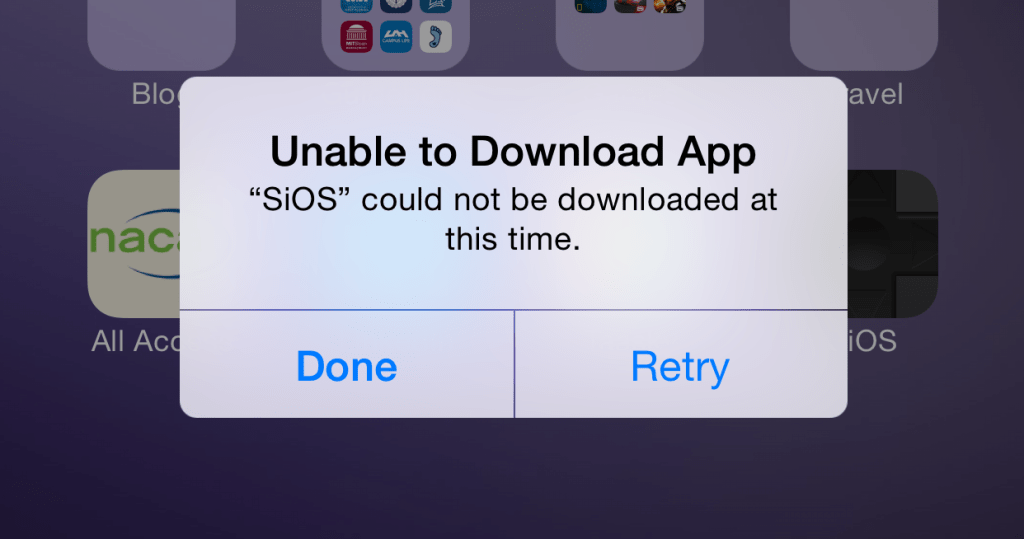
You might get this error while trying to download apps from other sources. However, that “Retry” button doesn’t help, so don’t waste your time. All you can do is tap on “Done” button, which usually leaves a blank app icon on homescreen. It disappears after rebooting the iPhone or iPad, but that’s not an option either.
Today we’ll show you how to install any application without getting this kind of error. If you already have that blank app icon on homescreen, just leave it be and follow the steps given below.

Tutorial:

  1. Using device go to Settings/General/Date & Time
  2. Uncheck Set Automatically and set date to July 10, 2012.
  3. Hit back and get to your homescreen.
  4. Tap on blank app icon to retry the installation process.
  5. After it’s done, again go to Settings/General/Date & Time and enable Set Automatically feature.

That’s it! Enjoy your new application.
Previous Post

Downgrade Samsung Galaxy S6 Edge to official Lollipop 5.0.2

Next Post

iPhone 7 and iPhone 7 Plus

Next Post
iPhone 7 and iPhone 7 Plus

iPhone 7 and iPhone 7 Plus

Comments 2

  1. John Taylor says:
    10 years ago

    this does not work for me i have an ipod 5 32gb please help

    Reply
    • Admin says:
      10 years ago

      Hello John,

      Which iOS version is your iPod running on?

      Reply

Leave a Reply Cancel reply

Your email address will not be published. Required fields are marked *

  • About
  • Contact
  • Privacy Policy
  • Terms & Conditions

4smartphones.com © 2026   All rights reserved.

No Result
View All Result
  • Home
  • Reviews
  • Tutorials
    • Samsung
      • Galaxy S3 I9300
      • Galaxy S4 I9500
      • Galaxy S4 I9505
      • Galaxy S5 SM-G900
      • Gear S
      • Galaxy Alpha SM-G850
      • Galaxy A3 A300
      • Galaxy A5 A500
      • Galaxy A7 A700
      • Galaxy Note 3 Neo N7505
      • Galaxy Note 3 N9005
      • Galaxy Note 5 SM-N920
      • Galaxy Note 7 N930
      • Galaxy Tab A 9.7
      • Galaxy S6 SM-G920F
      • Galaxy S6 Edge SM-G925F
      • Galaxy J5 J500
      • Galaxy J7 J700
      • Galaxy S7 SM-G930
      • Galaxy S7 Edge SM-G935
    • Meizu
      • PRO 5
    • Nexus
      • Nexus 5
      • Nexus 5X
      • Nexus 6
      • Nexus 6P
    • Huawei
      • P8
      • P8 Lite
      • P9 Lite
    • Xiaomi
      • Mi5
      • Mi5 Plus
    • iPhone
      • iPhone 4S
      • iPhone SE
      • iPhone 5
      • iPhone 5C
      • iPhone 5S
      • iPhone 6
      • iPhone 6 Plus
      • iPhone 6S
      • iPhone 6S Plus
      • iPad Mini 1
      • iPad Mini 2
      • iPad 4
    • OnePlus
      • OnePlus 3
    • Sony
      • Xperia E4/E4G
      • Xperia Z3
      • Xperia Z4 Tablet
      • Xperia Z5
    • LG
      • LG G3
      • LG G4
      • LG G5
    • Letv
      • 1s
      • Le 2
      • Le 2 Pro
    • HTC
      • One M8
      • One M9
      • 10
    • Uhans
      • U100
    • BlackBerry 10
  • Apps
    • Communication
    • Education
    • Finance
    • GPS
    • Photo & Video
    • Music & Audio
    • Personalization
    • Sports
    • Tools
    • Weather
  • Games
    • Action
    • Adventure
    • Arcade
    • Casino
    • Horror
    • Puzzle
    • Racing
    • RPG
    • Shooter
    • Simulation
    • Sports
  • Android OS
  • iOS
    • 7
    • 8
    • 9
    • 10
  • Ubuntu OS

4smartphones.com © 2026   All rights reserved.

Welcome Back!

Login to your account below

Forgotten Password?

Retrieve your password

Please enter your username or email address to reset your password.

Log In

Add New Playlist