
4smartphones.com
  • Home
  • Reviews
    Xiaomi 17 Pro and Pro Max

    Xiaomi 17 Pro Max Review: Rear Screen, Cameras, Price

    OPPO revealed first rollable Android phone

    OPPO revealed first rollable Android phone

    All the things you should know about iPhone 12 & iPhone 12 Pro

    All the things you should know about iPhone 12 & iPhone 12 Pro

    LG Wing

    LG “Wing” – smartphone with rotatable display

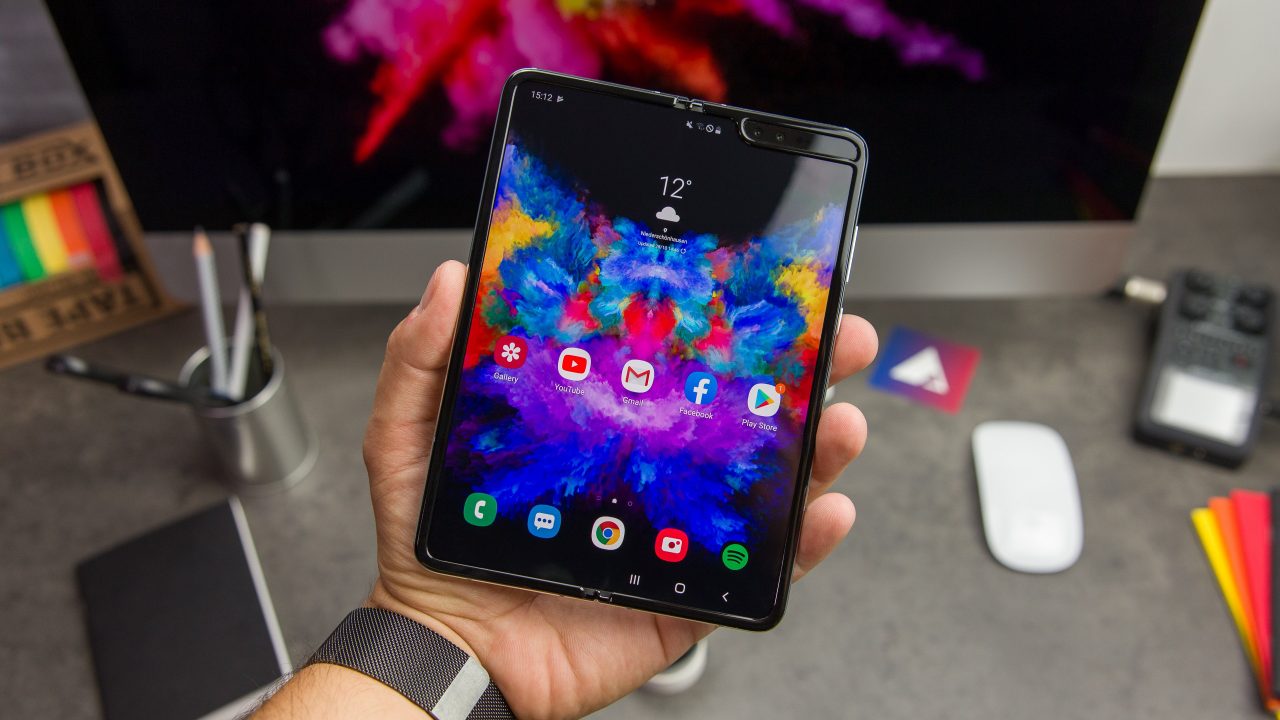
    2019: First foldable smartphones

    2019: First foldable smartphones

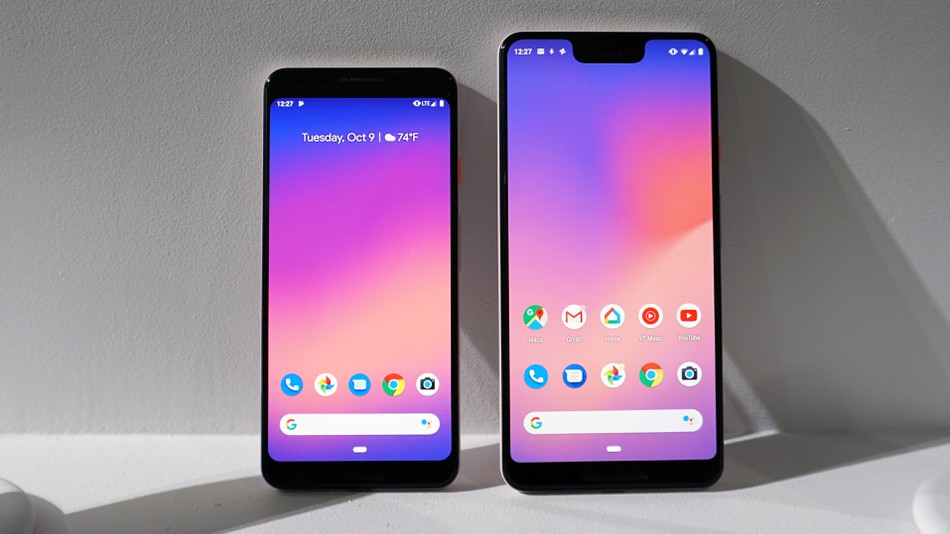
    2018: Google makes artificial intelligence available on smartphone

    2018: Google makes artificial intelligence available on smartphone

    2017: More than 2 billion active Android devices per month

    2017: More than 2 billion active Android devices per month

    2016: Google’s first Pixel phone and the exploding Galaxy Note 7

    2016: Google’s first Pixel phone and the exploding Galaxy Note 7

  • Tutorials
    • Samsung
      • Galaxy S3 I9300
      • Galaxy S4 I9500
      • Galaxy S4 I9505
      • Galaxy S5 SM-G900
      • Gear S
      • Galaxy Alpha SM-G850
      • Galaxy A3 A300
      • Galaxy A5 A500
      • Galaxy A7 A700
      • Galaxy Note 3 Neo N7505
      • Galaxy Note 3 N9005
      • Galaxy Note 5 SM-N920
      • Galaxy Note 7 N930
      • Galaxy Tab A 9.7
      • Galaxy S6 SM-G920F
      • Galaxy S6 Edge SM-G925F
      • Galaxy J5 J500
      • Galaxy J7 J700
      • Galaxy S7 SM-G930
      • Galaxy S7 Edge SM-G935
    • Meizu
      • PRO 5
    • Nexus
      • Nexus 5
      • Nexus 5X
      • Nexus 6
      • Nexus 6P
    • Huawei
      • P8
      • P8 Lite
      • P9 Lite
    • Xiaomi
      • Mi5
      • Mi5 Plus
    • iPhone
      • iPhone 4S
      • iPhone SE
      • iPhone 5
      • iPhone 5C
      • iPhone 5S
      • iPhone 6
      • iPhone 6 Plus
      • iPhone 6S
      • iPhone 6S Plus
      • iPad Mini 1
      • iPad Mini 2
      • iPad 4
    • OnePlus
      • OnePlus 3
    • Sony
      • Xperia E4/E4G
      • Xperia Z3
      • Xperia Z4 Tablet
      • Xperia Z5
    • LG
      • LG G3
      • LG G4
      • LG G5
    • Letv
      • 1s
      • Le 2
      • Le 2 Pro
    • HTC
      • One M8
      • One M9
      • 10
    • Uhans
      • U100
    • BlackBerry 10
  • Apps
    • Communication
    • Education
    • Finance
    • GPS
    • Photo & Video
    • Music & Audio
    • Personalization
    • Sports
    • Tools
    • Weather
  • Games
    • Action
    • Adventure
    • Arcade
    • Casino
    • Horror
    • Puzzle
    • Racing
    • RPG
    • Shooter
    • Simulation
    • Sports
  • Android OS
  • iOS
    • 7
    • 8
    • 9
    • 10
  • Ubuntu OS
No Result
View All Result
SUBSCRIBE
  • Home
  • Reviews
    Xiaomi 17 Pro and Pro Max

    Xiaomi 17 Pro Max Review: Rear Screen, Cameras, Price

    OPPO revealed first rollable Android phone

    OPPO revealed first rollable Android phone

    All the things you should know about iPhone 12 & iPhone 12 Pro

    All the things you should know about iPhone 12 & iPhone 12 Pro

    LG Wing

    LG “Wing” – smartphone with rotatable display

    2019: First foldable smartphones

    2019: First foldable smartphones

    2018: Google makes artificial intelligence available on smartphone

    2018: Google makes artificial intelligence available on smartphone

    2017: More than 2 billion active Android devices per month

    2017: More than 2 billion active Android devices per month

    2016: Google’s first Pixel phone and the exploding Galaxy Note 7

    2016: Google’s first Pixel phone and the exploding Galaxy Note 7

  • Tutorials
    • Samsung
      • Galaxy S3 I9300
      • Galaxy S4 I9500
      • Galaxy S4 I9505
      • Galaxy S5 SM-G900
      • Gear S
      • Galaxy Alpha SM-G850
      • Galaxy A3 A300
      • Galaxy A5 A500
      • Galaxy A7 A700
      • Galaxy Note 3 Neo N7505
      • Galaxy Note 3 N9005
      • Galaxy Note 5 SM-N920
      • Galaxy Note 7 N930
      • Galaxy Tab A 9.7
      • Galaxy S6 SM-G920F
      • Galaxy S6 Edge SM-G925F
      • Galaxy J5 J500
      • Galaxy J7 J700
      • Galaxy S7 SM-G930
      • Galaxy S7 Edge SM-G935
    • Meizu
      • PRO 5
    • Nexus
      • Nexus 5
      • Nexus 5X
      • Nexus 6
      • Nexus 6P
    • Huawei
      • P8
      • P8 Lite
      • P9 Lite
    • Xiaomi
      • Mi5
      • Mi5 Plus
    • iPhone
      • iPhone 4S
      • iPhone SE
      • iPhone 5
      • iPhone 5C
      • iPhone 5S
      • iPhone 6
      • iPhone 6 Plus
      • iPhone 6S
      • iPhone 6S Plus
      • iPad Mini 1
      • iPad Mini 2
      • iPad 4
    • OnePlus
      • OnePlus 3
    • Sony
      • Xperia E4/E4G
      • Xperia Z3
      • Xperia Z4 Tablet
      • Xperia Z5
    • LG
      • LG G3
      • LG G4
      • LG G5
    • Letv
      • 1s
      • Le 2
      • Le 2 Pro
    • HTC
      • One M8
      • One M9
      • 10
    • Uhans
      • U100
    • BlackBerry 10
  • Apps
    • Communication
    • Education
    • Finance
    • GPS
    • Photo & Video
    • Music & Audio
    • Personalization
    • Sports
    • Tools
    • Weather
  • Games
    • Action
    • Adventure
    • Arcade
    • Casino
    • Horror
    • Puzzle
    • Racing
    • RPG
    • Shooter
    • Simulation
    • Sports
  • Android OS
  • iOS
    • 7
    • 8
    • 9
    • 10
  • Ubuntu OS
No Result
View All Result
4smartphones.com
No Result
View All Result

Samsung Gear S set up and first use

in Gear S, Samsung, Tutorials
Reading Time: 1 min read
0
0
Share on FacebookShare on XShare on Linkedin

Having smart watch at first time and setting it up seems not so simple. One and the only mission of every user is to reach main home screen. It’s possible to make it in two ways.
1. Following instructions on Gear S screen and downloading  app to your Samsung smartphone.
2. If you don’t have Samsung smartphone, then manually breaking through setup screen.

Activating smart watch by using Gear Manager tutorial:
1. Turn on Gear S and tap Next.
2. Pick up your Samsung smartphone and activate Bluetooth connection.
3. Download Gear Manager to your smartphone or use NFC connection by touching your phone’s backside with Gear S charger.
4. Start Gear Manager application and select Gear S smart watch.
5. Wait until synchronization is finished and you’re good to go!

Manually activating Gear S tutorial:
1. Turn on Gear S.
2. Tap Next and keep tapping on clock icon until “Please press BT address while 3 seconds” is shown.
3. After that just hold your finger on clock icon for 3 seconds until you’ll see welcome screen.
4. Make your way through couple of hints and you’re ready to go!

Previous Post

Two iPhones receives one call?

Next Post

Photo Collage Editor

Next Post
Photo Collage Editor

Photo Collage Editor

Leave a Reply Cancel reply

Your email address will not be published. Required fields are marked *

  • Privacy Policy
  • Terms & Conditions
  • About
  • Contact

Copyright by 4smartphones.com © 2026

Welcome Back!

Login to your account below

Forgotten Password?

Retrieve your password

Please enter your username or email address to reset your password.

Log In

Add New Playlist

No Result
View All Result
  • Home
  • Reviews
  • Tutorials
    • Samsung
      • Galaxy S3 I9300
      • Galaxy S4 I9500
      • Galaxy S4 I9505
      • Galaxy S5 SM-G900
      • Gear S
      • Galaxy Alpha SM-G850
      • Galaxy A3 A300
      • Galaxy A5 A500
      • Galaxy A7 A700
      • Galaxy Note 3 Neo N7505
      • Galaxy Note 3 N9005
      • Galaxy Note 5 SM-N920
      • Galaxy Note 7 N930
      • Galaxy Tab A 9.7
      • Galaxy S6 SM-G920F
      • Galaxy S6 Edge SM-G925F
      • Galaxy J5 J500
      • Galaxy J7 J700
      • Galaxy S7 SM-G930
      • Galaxy S7 Edge SM-G935
    • Meizu
      • PRO 5
    • Nexus
      • Nexus 5
      • Nexus 5X
      • Nexus 6
      • Nexus 6P
    • Huawei
      • P8
      • P8 Lite
      • P9 Lite
    • Xiaomi
      • Mi5
      • Mi5 Plus
    • iPhone
      • iPhone 4S
      • iPhone SE
      • iPhone 5
      • iPhone 5C
      • iPhone 5S
      • iPhone 6
      • iPhone 6 Plus
      • iPhone 6S
      • iPhone 6S Plus
      • iPad Mini 1
      • iPad Mini 2
      • iPad 4
    • OnePlus
      • OnePlus 3
    • Sony
      • Xperia E4/E4G
      • Xperia Z3
      • Xperia Z4 Tablet
      • Xperia Z5
    • LG
      • LG G3
      • LG G4
      • LG G5
    • Letv
      • 1s
      • Le 2
      • Le 2 Pro
    • HTC
      • One M8
      • One M9
      • 10
    • Uhans
      • U100
    • BlackBerry 10
  • Apps
    • Communication
    • Education
    • Finance
    • GPS
    • Photo & Video
    • Music & Audio
    • Personalization
    • Sports
    • Tools
    • Weather
  • Games
    • Action
    • Adventure
    • Arcade
    • Casino
    • Horror
    • Puzzle
    • Racing
    • RPG
    • Shooter
    • Simulation
    • Sports
  • Android OS
  • iOS
    • 7
    • 8
    • 9
    • 10
  • Ubuntu OS

Copyright by 4smartphones.com © 2026